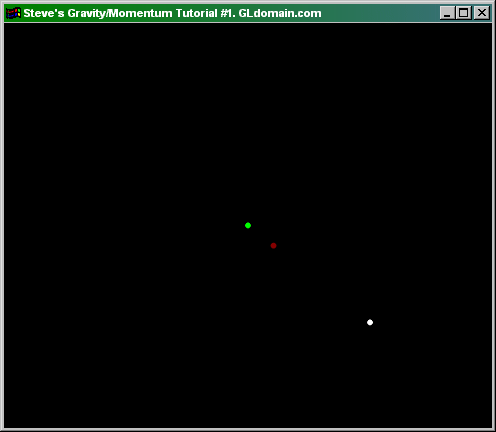
All Gravity/Momentum Tutorials Gravity / Momentum Tutorial #1When I say gravity, I don't mean the kind that makes all objects fall to the ground, but actually it refers to all objects attracted to each other. You can use the particle engine for this effect, but we'll start a little simpler. The easiest way to achieve attraction between objects is by using only 1 particle with an elastic attraction to the center of the screen: As you may have noticed, elastic attraction is not what we want to achieve here. There are ways to transform the algorithm into gravitational attraction. The simplest way I have found that uses true-to-life physics is the following: I'd like to explain a few things here. First, the line dist = Reciprocal(Hypot)/20;is very important. It is fundamental to allow a gravitational force instead of an elastic force. Also, the angle variable is used to control the angle of force(much more advanced than the previous example). Lastly, the xp and yp variables are now being controlled by the angleand the dist. The algorithm is pretty complicated so instead of blabbing on and on like a math teacher, I'll give you an example program at this point: The green dot is the center of the screen, the white dot is the moving particle, and the red dot is direction of force. Basically, the particle has a stronger attraction when an object is close(gravity) rather than a stronger attraction when the object is far(elasticity). Wow! We have something cool now! But I'm sure you want something better right? Of course you do.=) A great way to use the gravity technique is with a large system of particles. Try the next tutorial to see what I mean. |